Storage
See how much disk space is in use and identify when capacity needs attention.
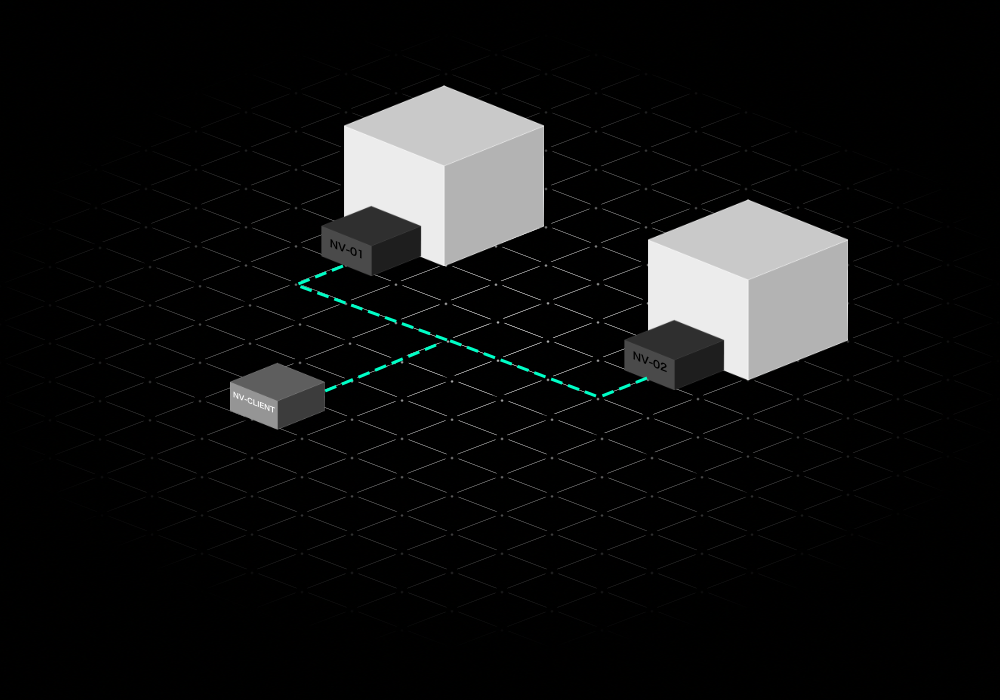
A direct connection to the server you want to monitor. Use the nodavex client to view resource usage, check notifications and access server actions from your device.
The agent connects you to an individual machine. For a central view of multiple servers, explore nodavex fleet.
See how much disk space is in use and identify when capacity needs attention.
Review processor and memory usage together to understand resource pressure.
Check upload and download rates from the Home dashboard.
Review server events with descriptions, timestamps and severity levels.
See the app in action to explore monitoring dashboards and notifications.